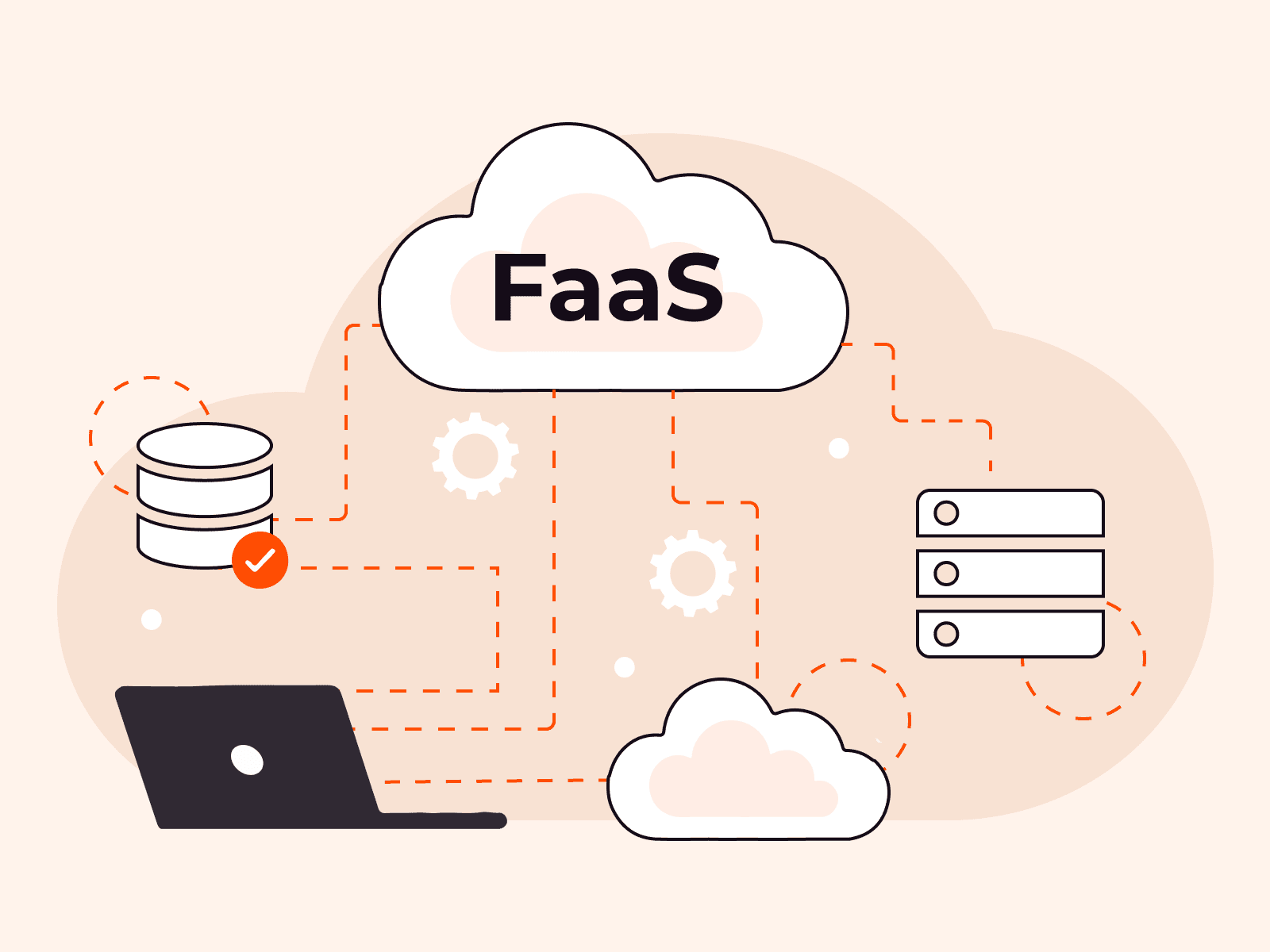
Function as a Service (FaaS) is a serverless computing model that lets developers write and deploy code in small, independent functions without managing any server infrastructure. Over 50% of organizations now adopt serverless technologies to accelerate development and minimize operational overhead.
FaaS works on an event-driven architecture where functions execute in response to specific triggers like HTTP requests, database changes, or file uploads. Major cloud providers handle all infrastructure management, from server provisioning to scaling and maintenance. This means you can focus purely on writing code.
This model charges based on actual function execution time, measured in milliseconds, rather than pre-allocated server capacity.
The benefits of FaaS include automatic scaling, pay-per-use pricing, and faster time to market for new features. Functions scale from zero to thousands of concurrent executions automatically based on demand. You pay only for the compute time your functions consume during execution, typically billed in 100ms increments. This eliminates costs for idle resources.
FaaS does have trade-offs you'll want to understand before adoption.
Cold start latency occurs when functions haven't run recently and need initialization time before processing requests. Functions also have execution time limits, typically ranging from a few seconds to 15 minutes, depending on the provider. Memory constraints affect what workloads you can run.
The serverless computing market is expected to grow considerably by 2025 as more organizations shift from traditional infrastructure to event-driven architectures. Understanding FaaS helps you decide when this model fits your application needs and how to design systems that work best with function-based deployments.
What is FaaS?
FaaS is a serverless computing model where developers write and deploy code as small, independent functions that execute in response to specific events, without managing any underlying infrastructure. It's straightforward: you write the code, and the cloud provider handles all server management, scaling, and maintenance automatically.
Functions trigger based on events like HTTP requests, database changes, or file uploads. You only pay for the actual compute time each function uses. No idle servers. No wasted resources.
This event-driven approach makes FaaS ideal for applications with variable workloads, real-time data processing, and microservice architectures where different functions handle specific tasks independently. Each function runs when needed, scales automatically, and shuts down when the job's done.
How does FaaS work?
FaaS works by running individual code functions in response to specific events without requiring you to manage any server infrastructure. When an event triggers (such as an HTTP request, database update, or file upload), the cloud provider automatically spins up a container, runs your function, and shuts it down when it is complete.
Here's how it works. You write small, single-purpose functions and upload them to the cloud platform. The provider handles all infrastructure concerns: provisioning, scaling, patching, and monitoring.
When your function receives a trigger event, the platform allocates compute resources in milliseconds, executes the code, and returns the result. You're only charged for the exact compute time your function uses, typically measured in 100ms increments.
The event-driven architecture means your functions stay dormant until needed. This differs from traditional servers that run continuously, whether they're processing requests or sitting idle.
Major cloud providers offer FaaS platforms that support multiple programming languages, including Python, Node.js, Java, and Go. You can chain functions together to build complex applications where each function handles one specific task: image processing, data validation, API calls, or database operations. This modular approach supports microservice architecture and enables rapid development cycles, as you can update individual functions without redeploying the entire application.
What are the benefits of FaaS?
The benefits of FaaS refer to the advantages that developers and organizations gain from using serverless computing models that run code without requiring infrastructure management. Here are the key benefits of FaaS.
- No server management: Developers write and deploy code without provisioning or maintaining servers. Cloud providers handle all infrastructure tasks, including scaling and security patches.
- Pay-per-execution pricing: You're charged only when functions run, not for idle server time. This model can reduce costs by 70% compared to traditional server setups that run continuously.
- Automatic scaling: Functions scale up or down instantly based on demand. No manual intervention needed. Your application handles one request or one million requests without configuration changes.
- Faster deployment: You can deploy individual functions in seconds instead of deploying entire applications. This speed enables rapid iteration and testing of new features.
- Event-driven architecture: Functions respond automatically to triggers like HTTP requests, file uploads, or database changes. This design simplifies building real-time applications and microservices.
- Built-in high availability: Cloud providers run functions across multiple data centers automatically. Your code stays available even if individual servers fail.
- Focus on business logic: Teams spend time writing features instead of managing infrastructure. This shift lets developers concentrate on solving actual problems for users.
What are the limitations of FaaS?
The limitations of FaaS refer to the constraints and challenges developers face when using function-as-a-service platforms for application development. The limitations of FaaS are listed below.
- Cold start latency: Functions that haven't been called recently take longer to execute because the platform needs to initialize the runtime environment. This delay ranges from 100ms to several seconds, which impacts user experience in time-sensitive applications.
- Execution time limits: Most FaaS platforms cap function execution time between 5 and 15 minutes. This makes FaaS unsuitable for long-running processes, such as batch jobs, video encoding, or complex data analysis tasks.
- Limited runtime control: You can't customize the underlying infrastructure or operating system configuration. This restriction prevents you from installing specific system libraries or optimizing low-level performance settings.
- Stateless architecture: Functions don't retain data between executions. You can't store session information or cache results locally. You'll need external storage services for any data persistence, which adds complexity and latency.
- Resource constraints: FaaS platforms typically limit memory allocation to 3-10GB per function. CPU power scales with memory allocation, so you can't independently configure compute resources for CPU-intensive tasks.
- Vendor lock-in: Each platform uses different APIs, deployment methods, and configuration formats. Migrating functions between providers requires significant code rewrites and testing.
- Debugging challenges: Traditional debugging tools don't work well with distributed, event-driven functions. You'll rely on logging and monitoring services, which makes troubleshooting errors more difficult than with standard applications.
- Cost unpredictability: While pay-per-execution seems cost-effective, high-traffic applications can generate unexpected bills. Functions that run frequently may incur higher costs than dedicated servers that run 24/7.
How does FaaS compare to other cloud models?
FaaS compares to other cloud models by offering event-driven, pay-per-execution computing, where you write individual functions instead of managing entire applications or servers. Unlike Infrastructure as a Service (IaaS), where you rent and configure virtual machines, FaaS removes all infrastructure management. The cloud provider handles provisioning, scaling, and maintenance automatically. Platform as a Service (PaaS) sits between these two, giving you more control than FaaS but requiring you to manage application runtime environments and some scaling decisions.
The cost structure differs significantly across models.
IaaS charges for server uptime, whether you're processing requests or not. PaaS bills are based on application instances running. FaaS charges only for actual function execution time, measured in milliseconds.
If your function runs for 200ms to process an API request, you pay for those 200ms alone. This makes FaaS extremely cost-effective for sporadic workloads but potentially expensive for continuous processing.
Scaling works differently, too. With IaaS, you configure auto-scaling rules and manage load balancers.
PaaS handles some scaling, but you still define instance counts and thresholds. FaaS scales automatically from zero to thousands of concurrent executions without any configuration. When traffic spikes, new function instances spin up in seconds.
When traffic drops, they disappear immediately.
Control and flexibility decrease as you move from IaaS to FaaS. With IaaS, you control the operating system, runtime, and every configuration detail. FaaS gives you none of that. You get supported language runtimes and predefined execution environments.
This trade-off works well for microservices and event-driven tasks, such as image processing, API endpoints, or data transformations. However, it limits complex applications that require persistent connections or specialized system configurations.
What are the leading FaaS providers?
Leading FaaS providers are cloud platforms that offer serverless computing services, allowing developers to run code without managing infrastructure. Here are the main types of FaaS providers.
- Major cloud platforms: The largest cloud infrastructure companies offer FaaS services that handle millions of function executions daily. These platforms provide extensive integration with other cloud services and global data center networks.
- Enterprise cloud providers: Business-focused cloud platforms deliver FaaS solutions designed for corporate environments with strict security and compliance requirements. They offer enterprise support, SLA guarantees, and hybrid cloud capabilities.
- Open-source platforms: Community-driven FaaS platforms, enable organizations to run serverless functions on their own infrastructure. These solutions give you full control over the environment and help you avoid vendor lock-in.
- Specialized serverless platforms: Some solutions emphasize edge computing and front-end development workflows. They are optimized for performance-sensitive use cases such as API handling, static content generation, and low-latency data processing.
- Container-based platforms: Cloud services that run serverless functions in containers provide more flexibility in runtime environments and dependencies. These platforms bridge the gap between traditional containers and pure FaaS models.
- Multi-cloud providers: Platforms that work across different cloud environments enable developers to write functions once and deploy them anywhere. This approach reduces dependency on a single cloud vendor and improves portability.
What are common FaaS use cases?
Common FaaS use cases refer to the practical applications and scenarios where Function as a Service architecture delivers the most value. The common FaaS use cases are listed below.
- Real-time file processing: Functions automatically process files when users upload them to cloud storage. This includes tasks like image resizing, video transcoding, and document conversion. The event-driven model makes FaaS perfect for these workloads because processing only happens when needed.
- API backends: FaaS functions serve as HTTP endpoints for mobile and web applications. Each function handles specific API requests, such as user authentication, data retrieval, or payment processing. This approach reduces costs because you only pay when users make requests.
- Scheduled tasks: Functions run automated jobs at specific intervals, such as database backups, report generation, or data cleanup. You can set up cron-like schedules without maintaining dedicated servers. FaaS is ideal for periodic maintenance tasks.
- Stream processing: Functions process real-time data streams from IoT devices, application logs, or social media feeds. Each event triggers a function that analyzes, transforms, or stores the data. This pattern works well for monitoring systems and analytics pipelines.
- Chatbots and voice assistants: Functions power conversational interfaces by responding to user messages or voice commands. Each interaction triggers a function that processes input and generates responses. Major voice assistant platforms use FaaS for skills and actions.
- Webhook handlers: Functions respond to events from third-party services, such as payment processors, GitHub, or Slack. When an external service sends a webhook, your function processes the payload and takes action. This integration pattern connects different services without running persistent servers.
- Data transformation: Functions convert data between formats or enrich datasets during ETL processes. They can validate, clean, and normalize data as it moves between systems. This use case aligns well with microservice patterns, where each function handles a single transformation step.
How to choose the right FaaS provider
Choosing the right FaaS provider requires evaluating performance requirements, pricing models, integration capabilities, security features, and vendor support options.
- First, define your application's performance needs, including expected function execution frequency, memory requirements, and response time targets. Test providers with realistic workloads to measure cold start times and execution speeds under your specific conditions.
- Next, compare pricing structures across providers by calculating total costs, including per-execution charges, memory allocation fees, and data transfer expenses. Run cost projections based on your expected monthly invocations, since pricing can vary dramatically between 100,000 and 10 million function calls.
- Then, verify integration capabilities with your existing tech stack, including databases, message queues, and authentication systems. Check if the provider supports your preferred programming languages and offers native connectors for services you already use.
- Evaluate security and compliance features by confirming the provider meets your industry requirements, such as GDPR for European data or HIPAA for healthcare applications. Review their encryption methods, access controls, and audit logging capabilities.
- Test the development experience by building a small proof-of-concept application. This helps you assess debugging tools, monitoring dashboards, and deployment workflows. Poor developer tools can slow your team's productivity even if the platform performs well.
- Finally, examine vendor lock-in risks by checking if you can export your functions and migrate to another provider without major code rewrites. Review the provider's track record for service reliability and their support response times.
Start with a pilot project running non-critical workloads to validate your choice before migrating production applications.
Frequently asked questions
What's the difference between serverless and FaaS?
FaaS (Function as a Service) is a specific implementation model within the broader serverless computing category, where code runs as discrete functions triggered by events. Serverless includes FaaS, plus other managed services such as databases and storage, that don't require server management.
How much does FaaS cost compared to traditional hosting?
FaaS typically costs 60-80% less than traditional hosting for variable workloads. You only pay per function execution instead of maintaining always-on servers.
Is FaaS suitable for enterprise applications?
FaaS works well for enterprise applications when they're event-driven or have variable workloads. It's not the best fit for long-running processes or applications that need full infrastructure control.
What programming languages does FaaS support?
FaaS supports most major programming languages. You'll find JavaScript/Node.js, Python, Java, Go, C#, Ruby, and PHP across nearly all providers. Some platforms also support Rust, Swift, or PowerShell, though availability varies by provider.
How does FaaS handle security and data privacy?
FaaS handles security through provider-managed infrastructure isolation, encryption, and IAM controls. Your provider takes care of the underlying security infrastructure so you don't have to.
Data privacy is different. It depends on how you configure your access policies and whether you comply with regulations like GDPR. You're responsible for setting up the correct permissions and adhering to the privacy rules that apply to your data.
When should you not use FaaS?
FaaS isn't a good fit for every workload. It won't work for long-running processes that exceed 15-minute execution limits. It's also not ideal for applications that need persistent connections like WebSockets, or workloads that require predictable performance with latency under 10ms.
Can FaaS functions communicate with each other?
No, FaaS functions can't directly communicate with each other. Each function runs independently in its own isolated, stateless environment, which prevents direct function-to-function communication.
Related articles


Health check monitoring is a systematic process that tracks the availability and performance of your servers, applications, and infrastructure by sending automated requests at regular intervals. Most systems run checks every 30 to 60 second
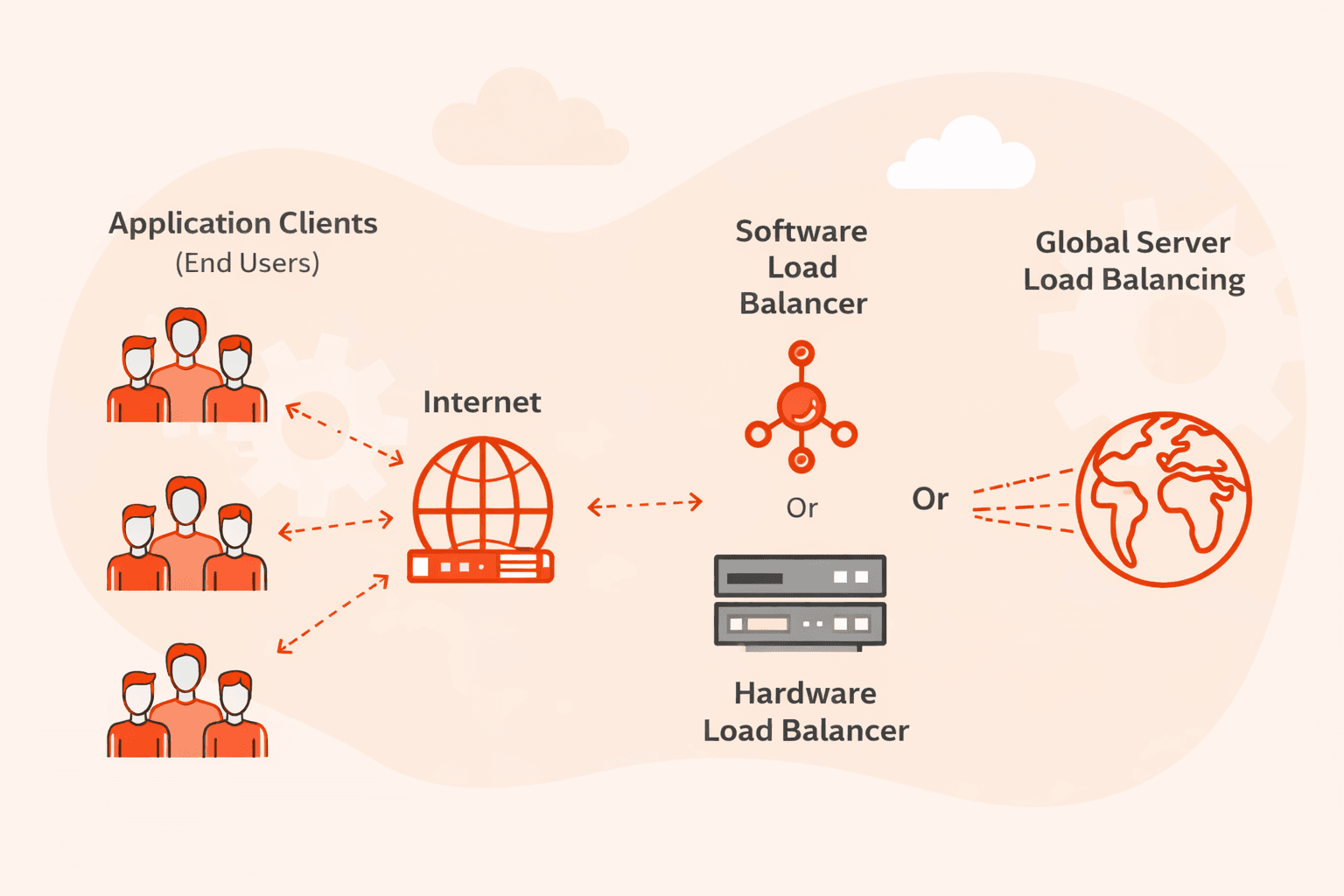
GSLB (Global Server Load Balancing) is a load balancing service that distributes client requests across multiple geographically dispersed data centers to improve performance, availability, and compliance.At its core, GSLB works at the DNS l
Subscribe to our newsletter
Get the latest industry trends, exclusive insights, and Gcore updates delivered straight to your inbox.