Referrer access policy
Referrer access policy is a restriction to publish the links to content on your site on other sites. To enable the option open the CDN resource, in the Resource settings, select Access, and then open Referrer access policy. By default, there are no restrictions by referrer to your CDN resource. You can set up allow or block Policy.Allow referrer policy
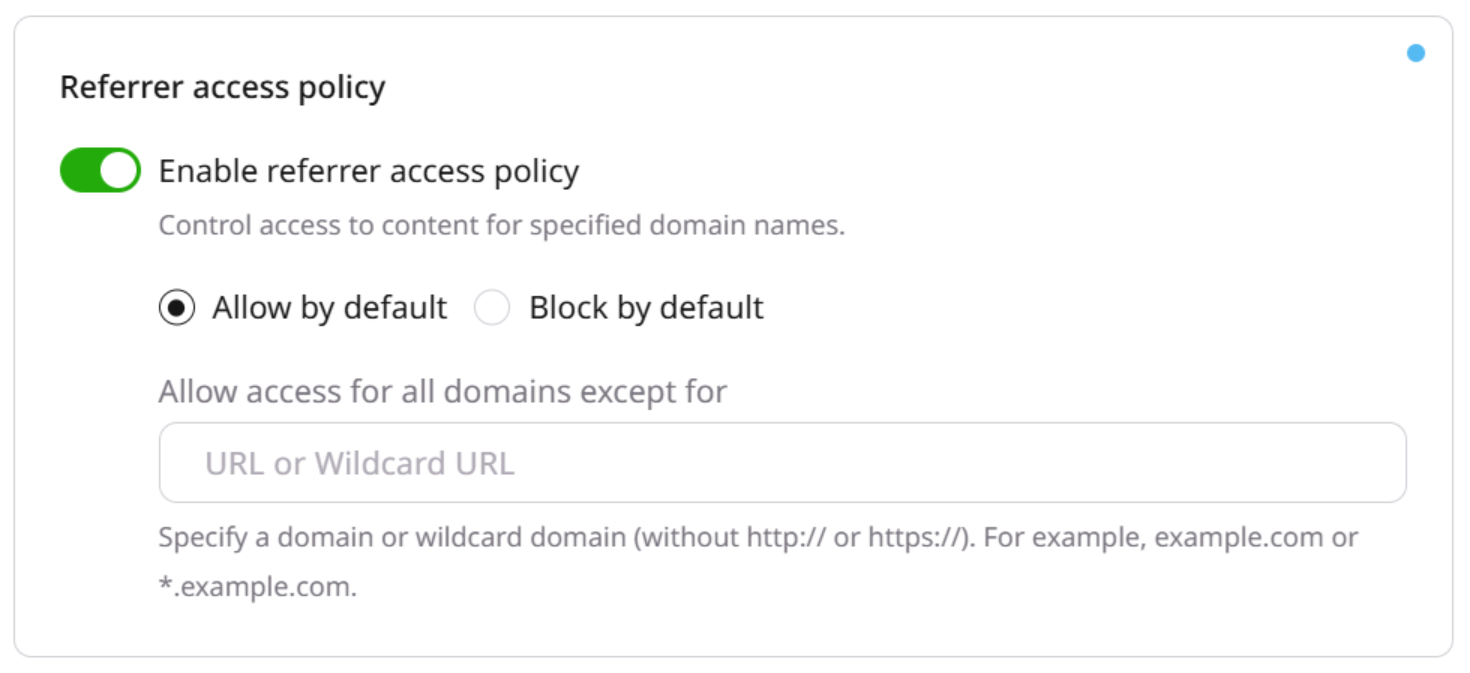
www.domain.comif you want to block access to the specific domain*.domain.comif you want to block access to all subdomains of domain.com
Block referrer policy
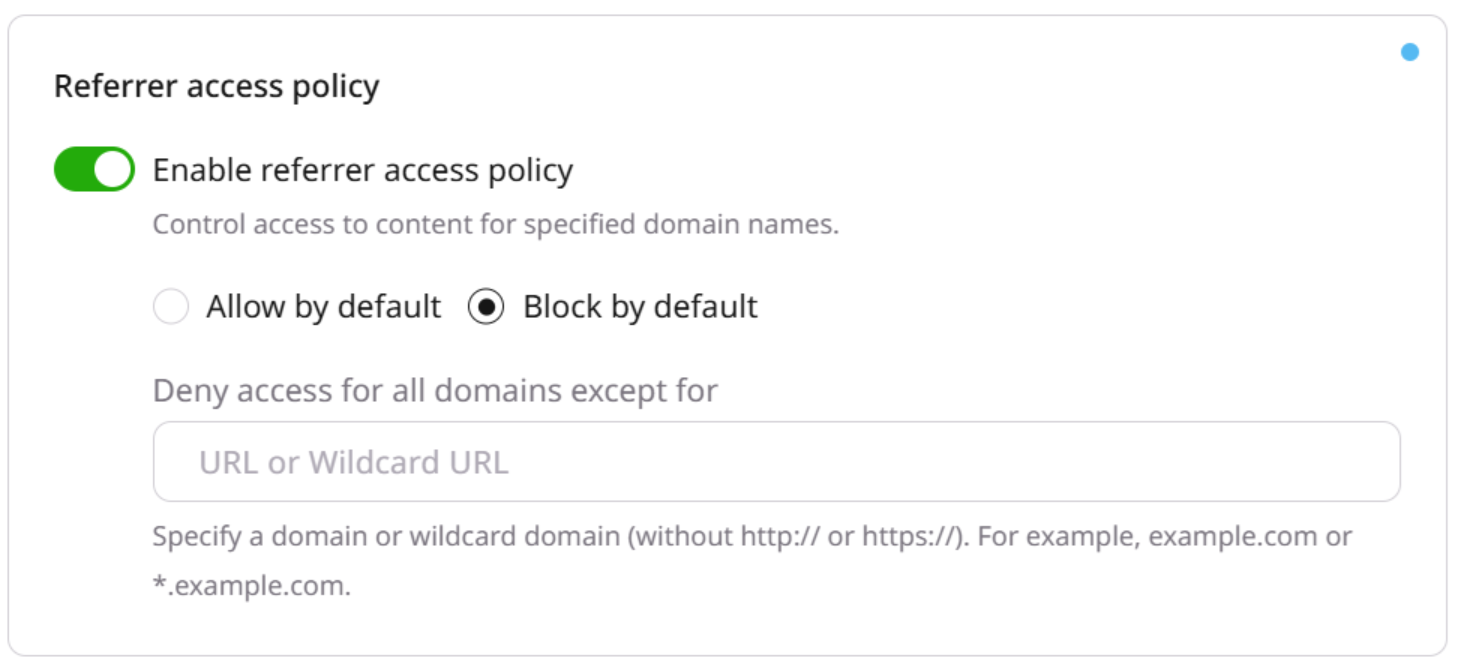
www.domain.comif you want to allow access to the specific domain*.domain.comif you want to allow access to all subdomains of domain.com
Country access policy
You can limit access to your content for listed countries. To enable this option, open the CDN resource, in the Resource settings, select Access, and then open Country access policy. By default, there are no restrictions by country to your CDN resource. You can set up allow or block policy.Note
You can specify countries only one by one via the Gcore Customer Portal. To add the list of the countries, use API.
Allow country access policy
Access to the resource is allowed for all the countries except for the specified in the field.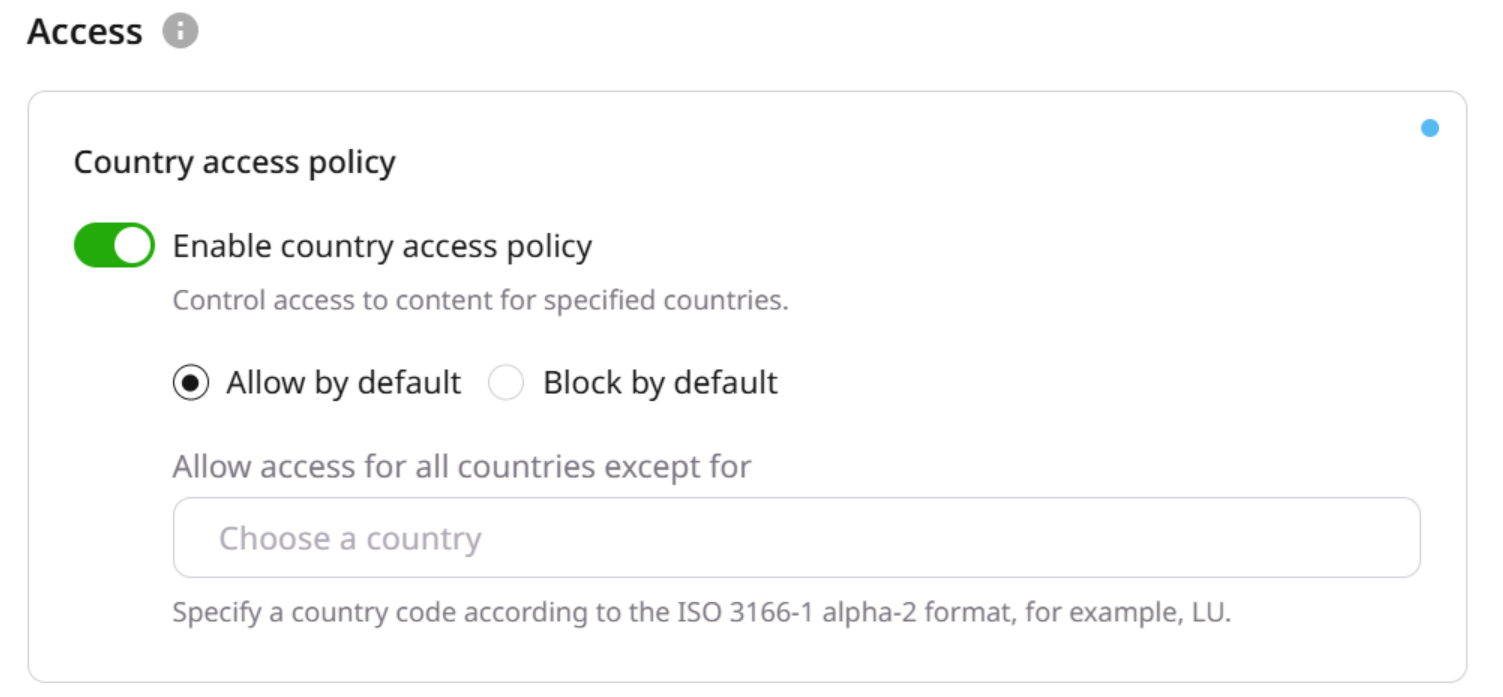
Block country access policy
Access to the resource is denied for all the countries except for the specified in the field.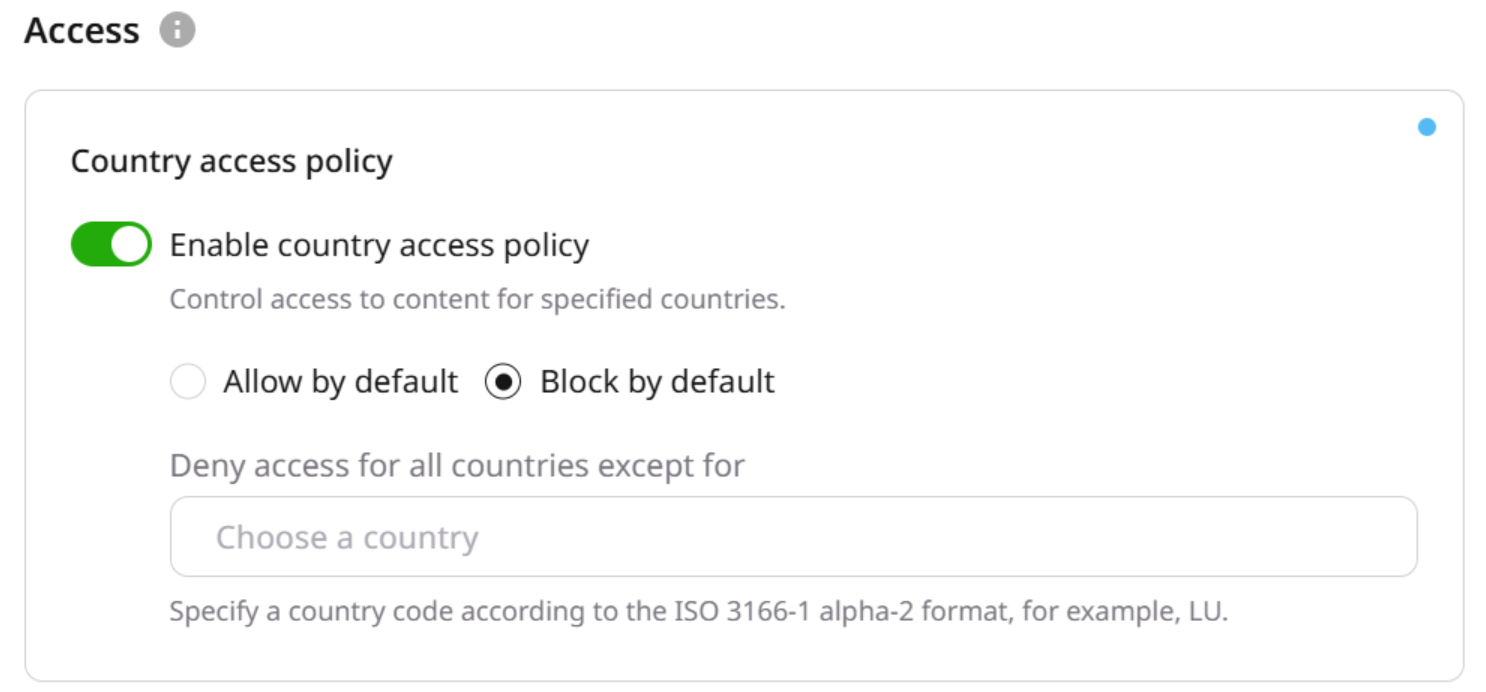
IP access policy
You can limit access to your content to IP ranges. In the CDN Resource settings, select Access, and open IP access policy. By default, there are no restrictions by IP to your CDN resource. You can set up Allow or Block policy. The option supports IPv4 and IPv6 addresses. You can specify IPs only one by one via the Gcore Customer Portal. To add the list of the IPs use API.Allow IP policy
Access to the resource is allowed for all the IPs except for the specified in the field.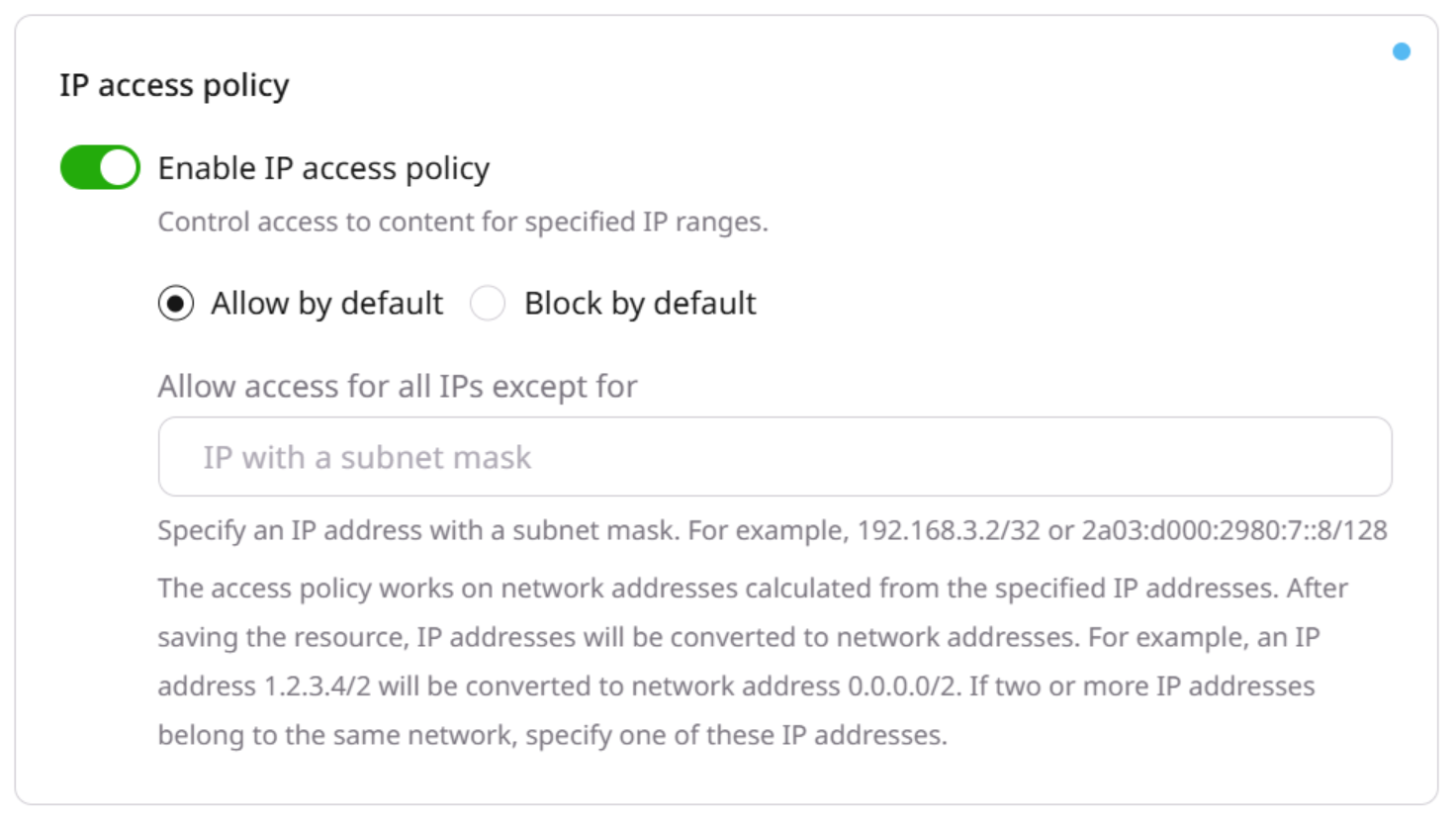
Block IP policy
Access to the resource is denied for all the IPs except for the specified in the field.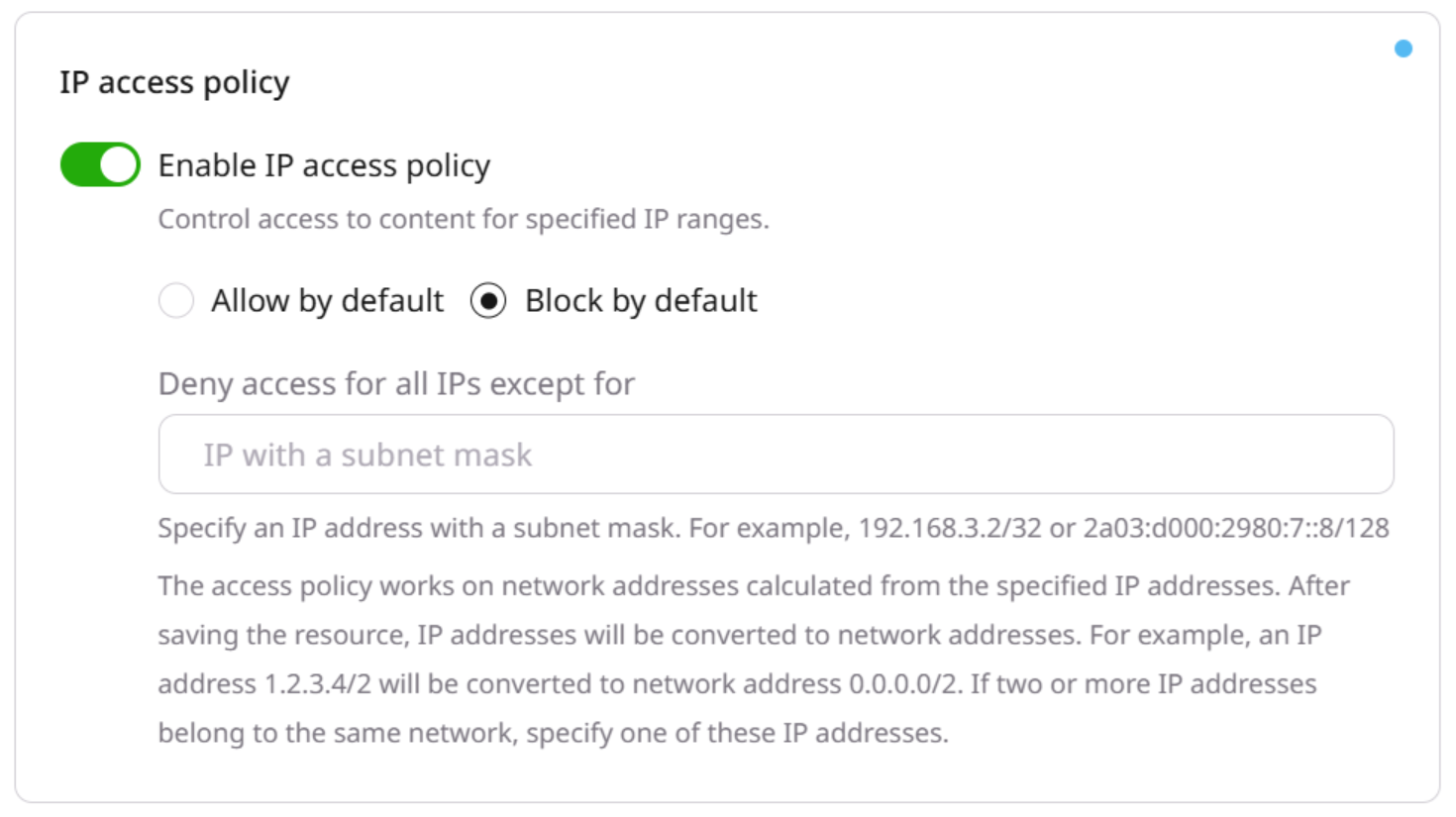
User agent access policy
You can limit access to your CDN content for User agents, for example, for certain browsers, consoles or some other devices. In the CDN Resource settings, select Access, and open User agents policy. By default access to the resource is allowed for all the kinds of User Agents. You can set up the allow or block policy.Set via the Gcore Customer Portal
To set the user agents using the Gcore Customer Portal: 1. Go to CDN and select the CDN resource you want to configure.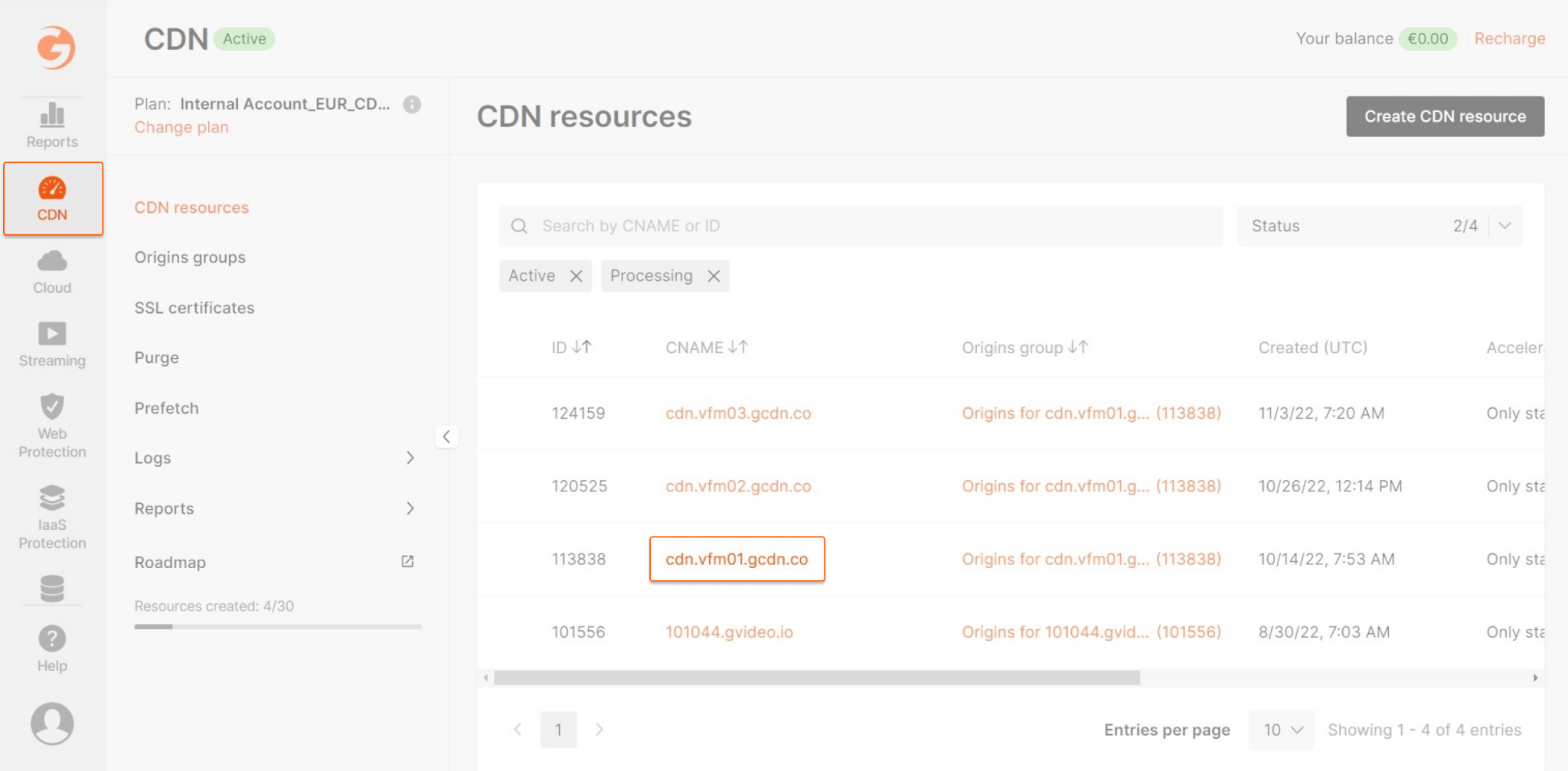
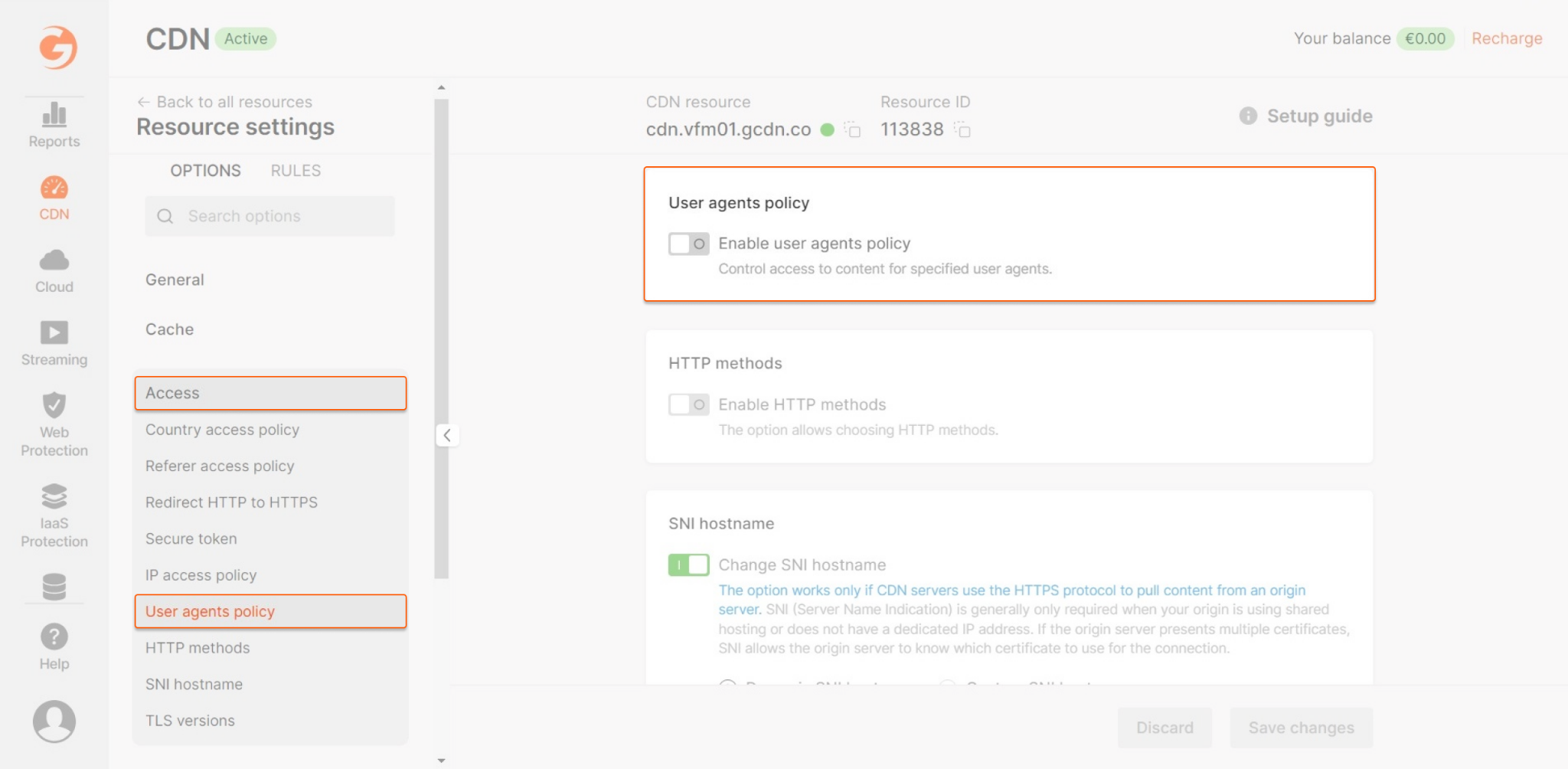
- Selecting Allow by default allows access for all user agents except those specified.
- Choosing Block by default blocks access for all user agents except those specified.
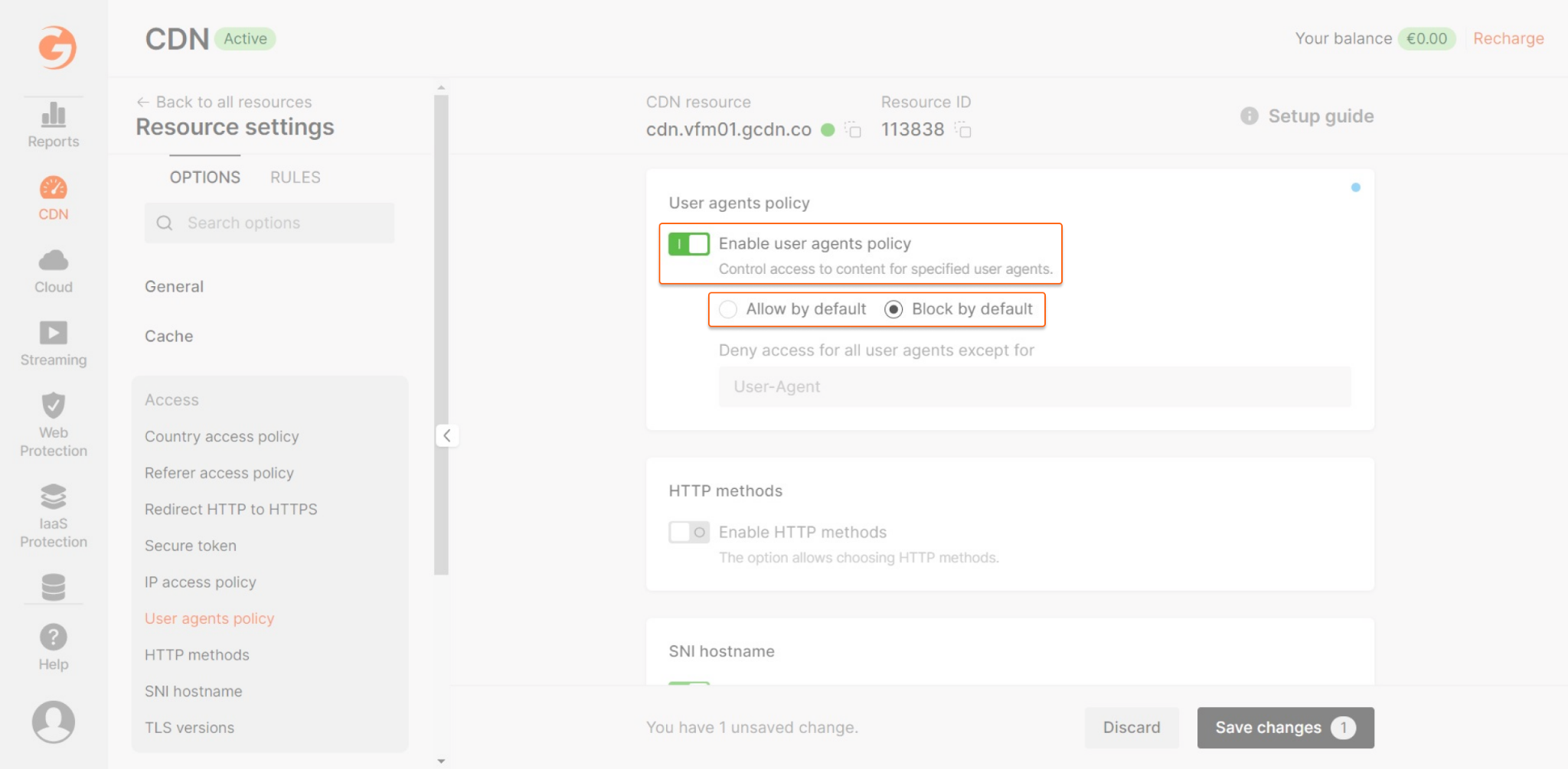
- Empty value. This appears as an option in the select box. Select this value to allow or block incoming requests that do not have a User-Agent header.
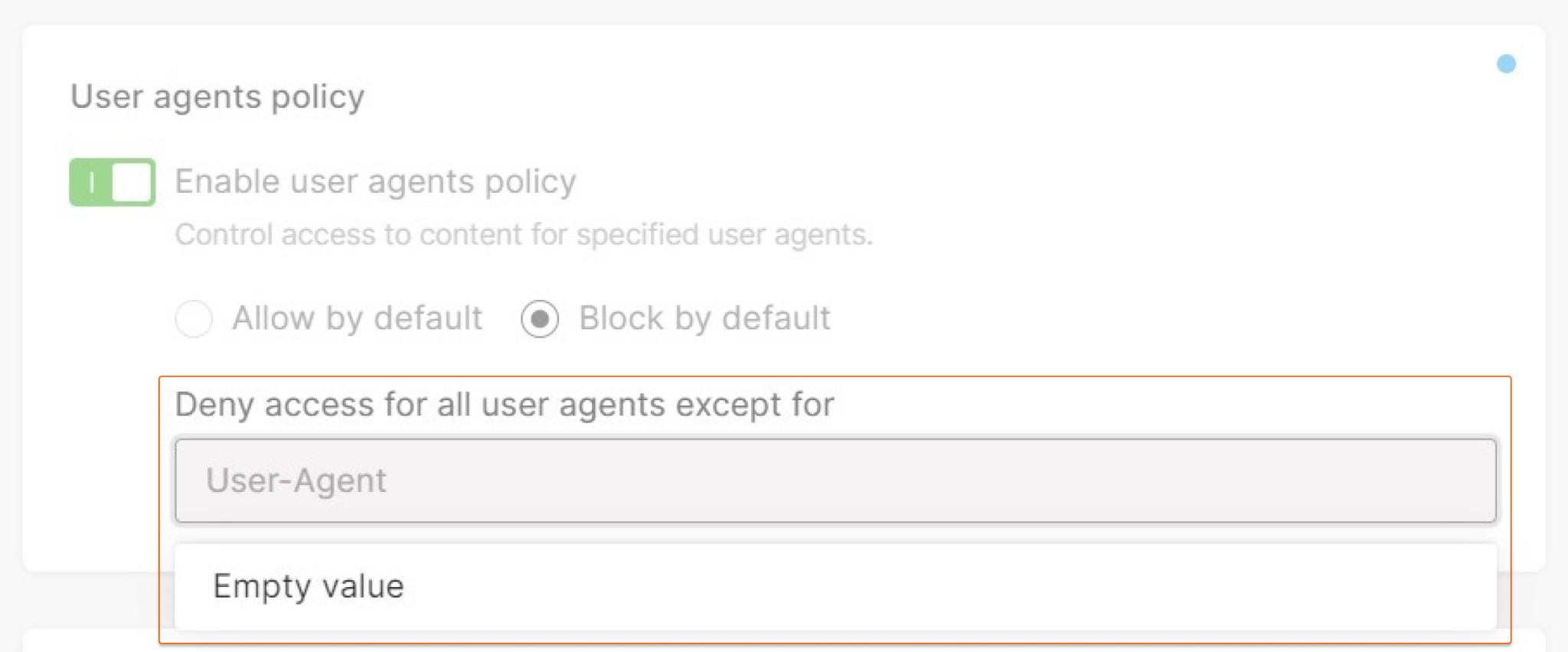
- User agent string. Enter one or more unique user agents. The maximum length of each string is 255 characters. If you need to increase this limit, you can contact our Gcore Support.
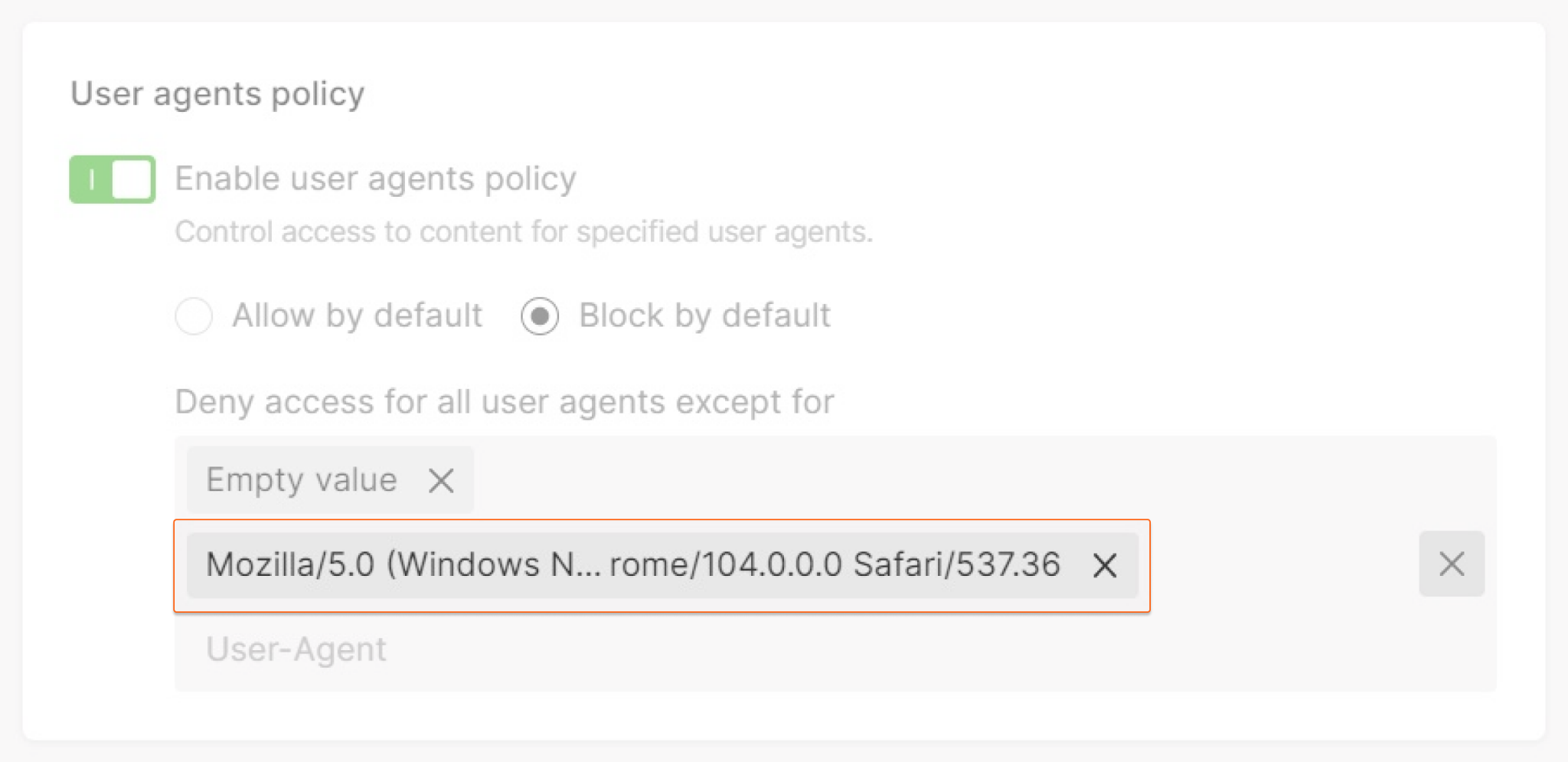
NoteUser-Agent text box cannot be left blank.

Set via the API
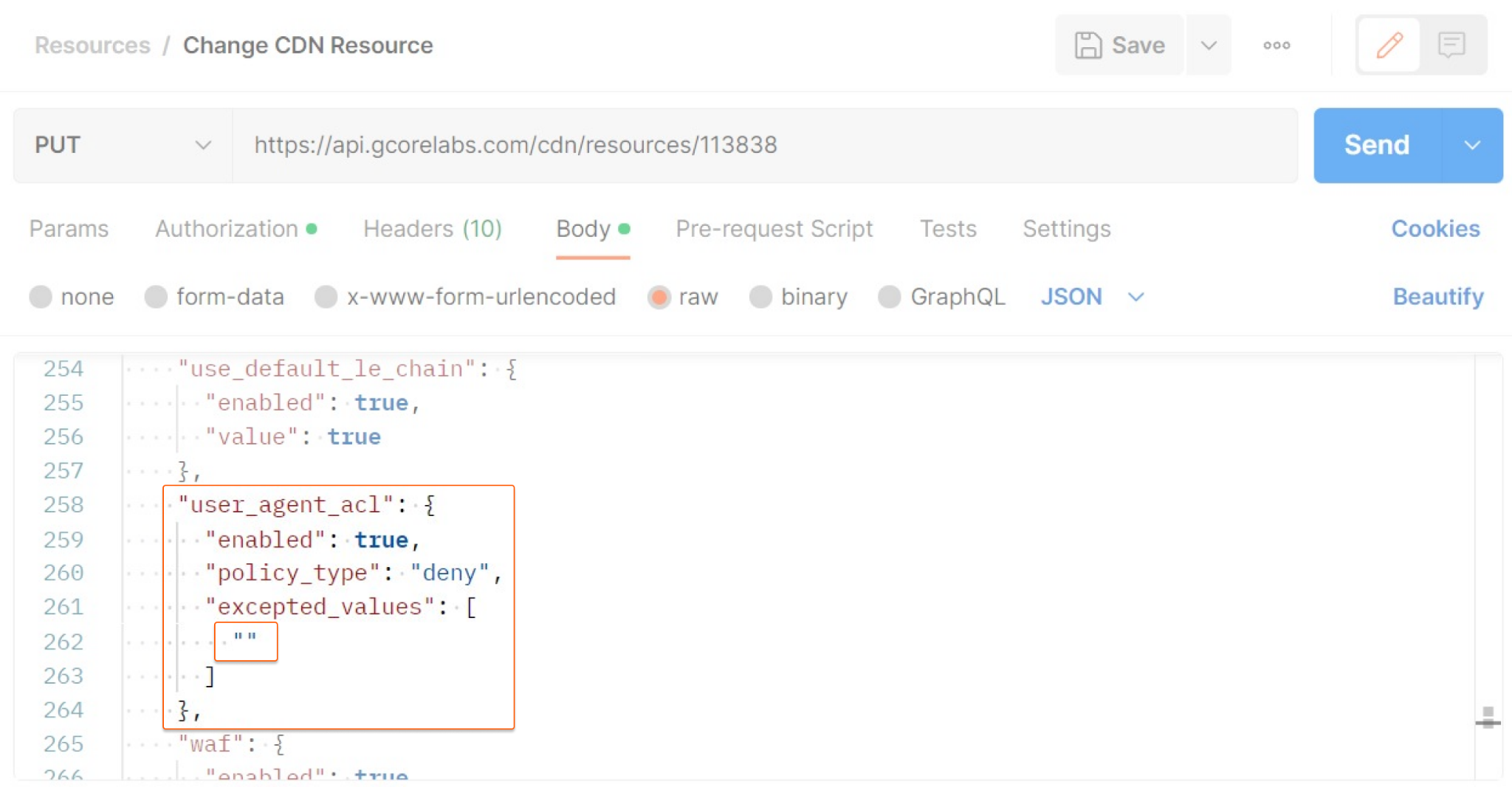
To set the user agents using the API, the request must include theuser_agent_acl object. The following is a sample code for the object:
Request properties
Theuser_agent_acl object passes the following information:
| Property | Description |
|---|---|
| enabled | This property indicates whether to enable the User Agents Policy. Possible values: - true enables the option - false disables the option |
| policy_type | This property indicates the action to apply to the matching request. Possible values: - allow allows the request - deny blocks the request |
| excepted_values | This property is an array of user agents to allow or block. The array must contain at least 1 item. Possible values: - two double quotation marks without a space in-between ("") represents the empty value - a string that represents the user agent, with a maximum length of 255 characters; if you need to increase this limit, you can contact our Gcore Support |
Example
This example shows a CDN update request that activates the User Agents Policy and blocks the requests without a User agent header.